
StudyDay
Study Tracker · Planner
Study timer & focus planner for students and exam takers — track every subject, hit your study goals.
Screens
Features
Subject Timer
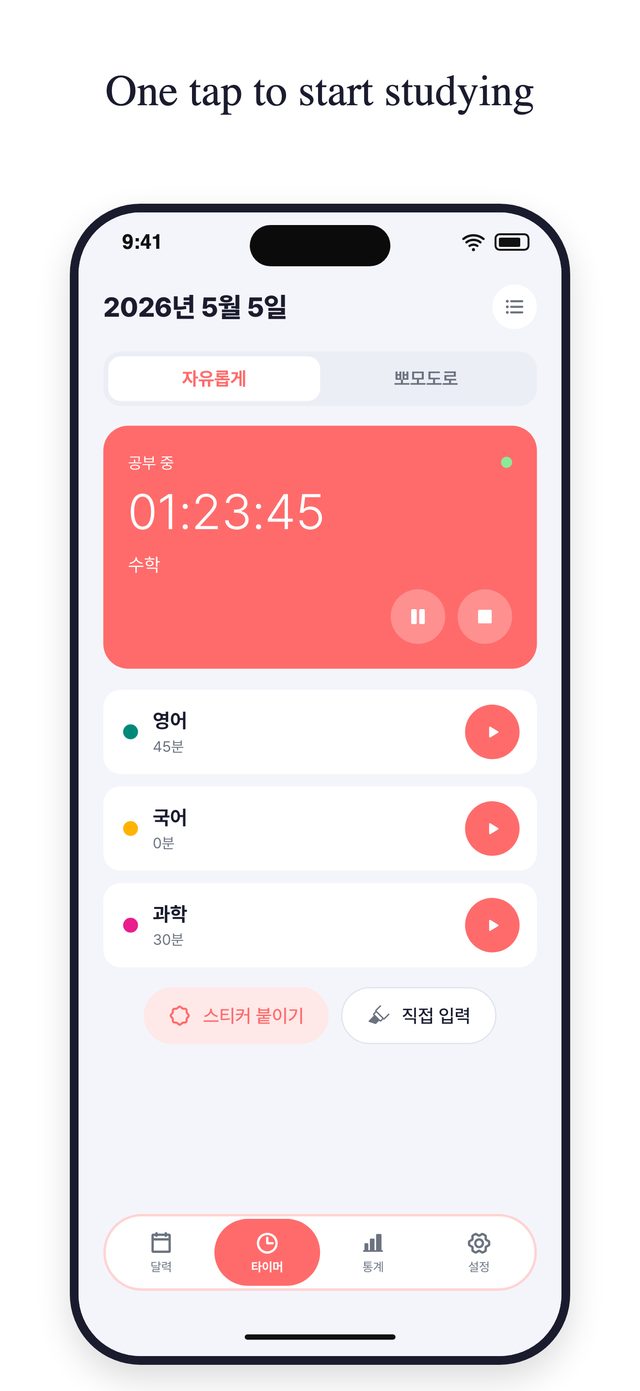
One tap starts a stopwatch for any subject. Switch subjects anytime; the previous one stops automatically.
Pomodoro Timer
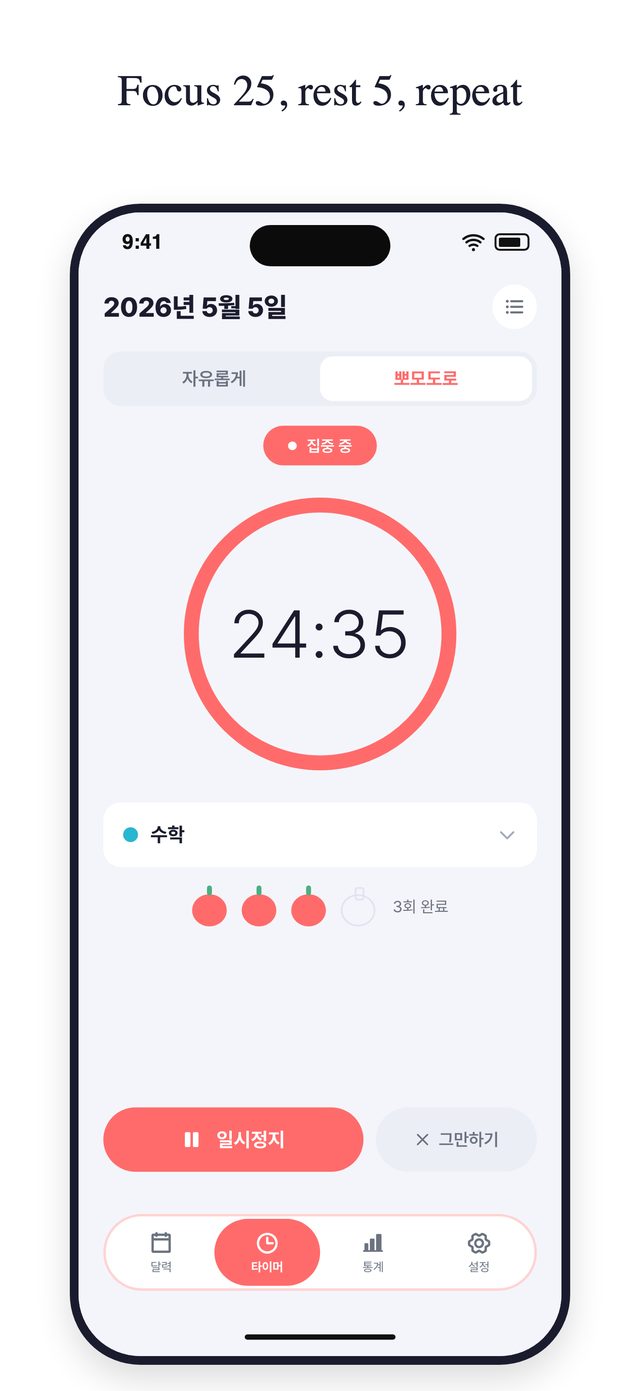
Focus and rest in turns (25 and 5 minutes by default, adjustable in Settings). You get a notification when each round ends, and tomatoes show how many rounds you finished today.
Monthly Calendar
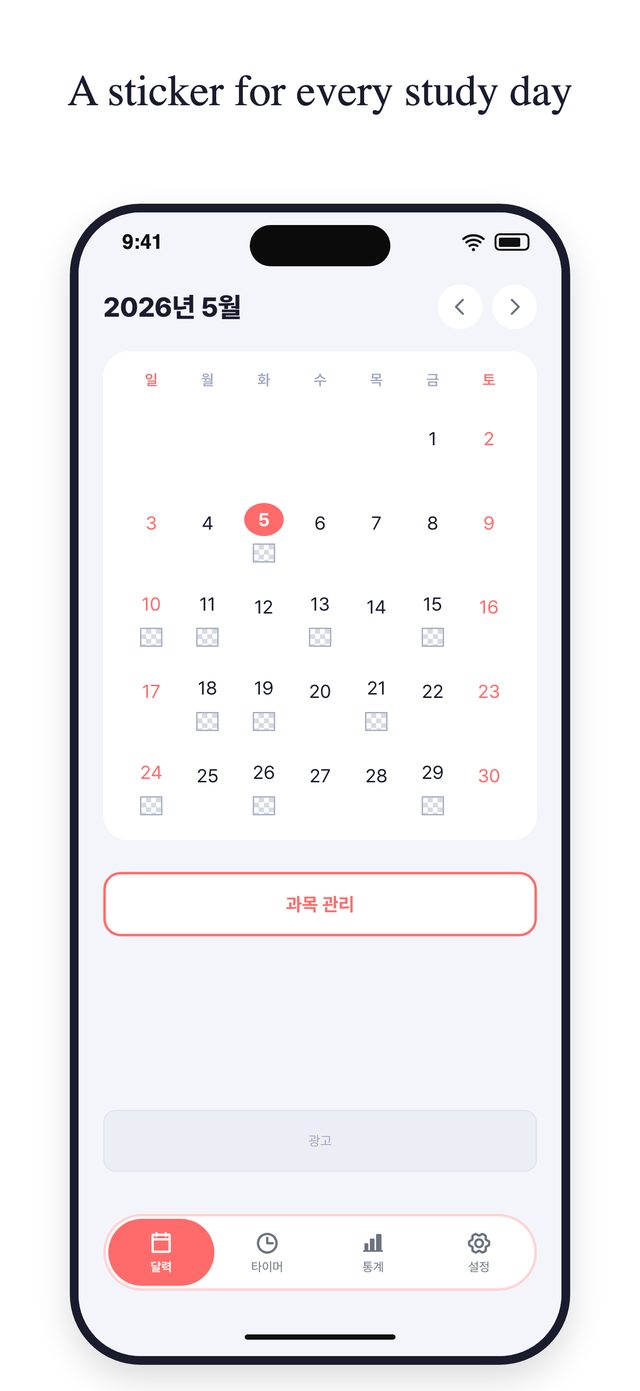
See which days you studied at a glance. Tap any day to jump straight to the timer.
Study Stickers
After each session, pick a sticker that matches your mood. Your calendar fills up with small victories.
Detailed Statistics
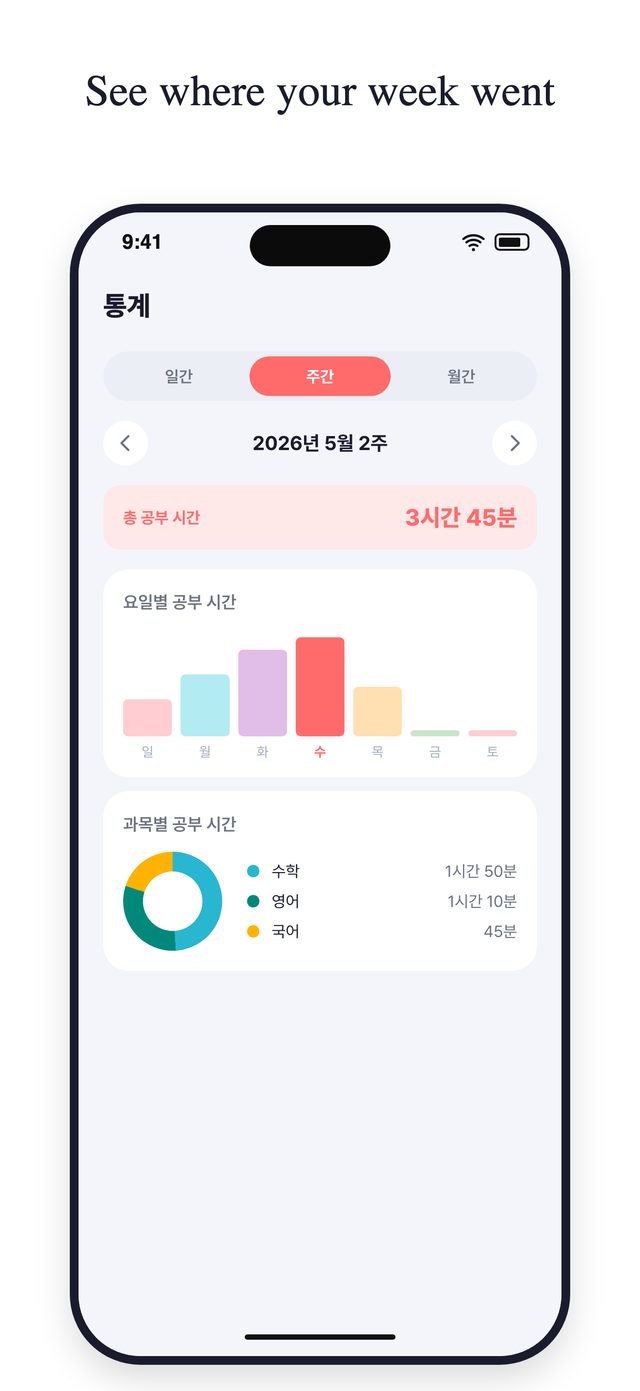
View your study time by day, week, or month. A bar chart shows your weekly rhythm; a donut chart breaks down time by subject.
Manual Entry
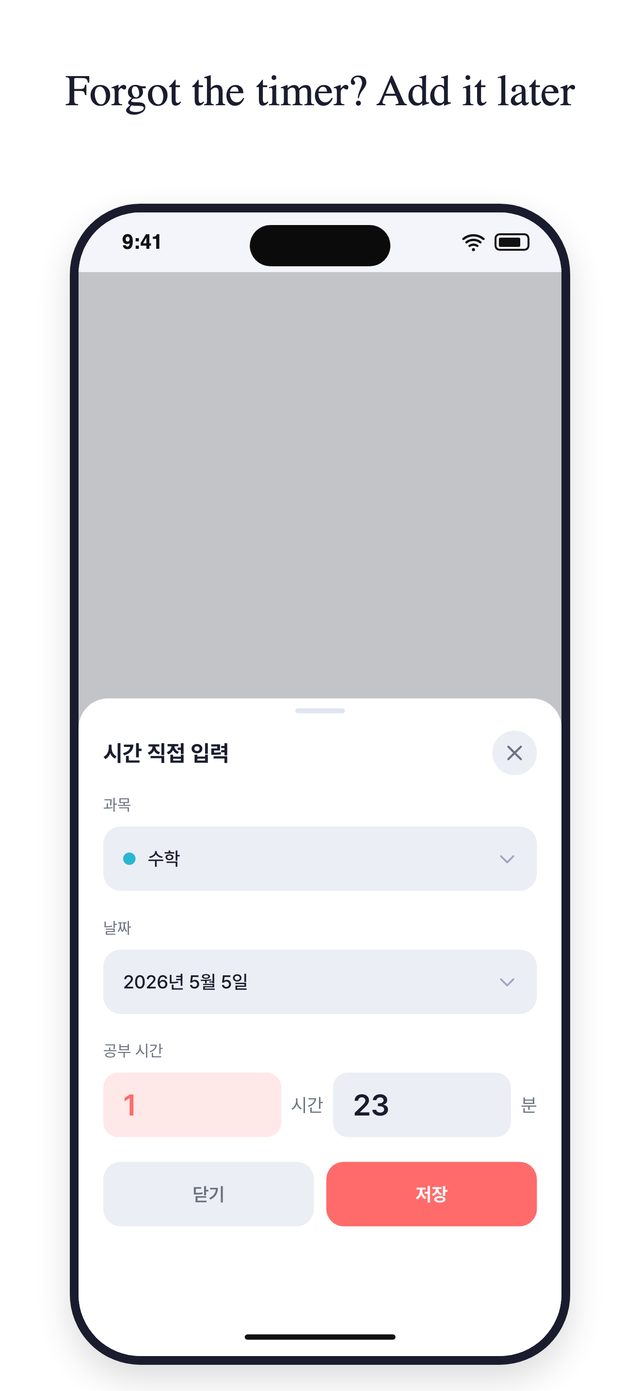
Forgot to start the timer? Enter time directly for any subject and date. Fix or delete any record from the study log.
Subject Management
Add as many subjects as you need, each with its own color, so your data is always organized.
Dark Mode
Follows your phone's setting automatically. Easy on the eyes for late-night study.
Color Themes
Coral is always on. Pastel Blue, Green and Purple can each be unlocked for 7 days by watching a short ad.
 SolTi
SolTi TouchCart
 TapCounter
 MakeRoom